
VEVOR 32"x24" LED Message Writing Board
4.2Editor score
16 illuminated color choices
Eight fluorescent chalk markers
Infrared remote control
Indoor and outdoor power options
A digital sign board can turn a blank storefront, reception desk, menu counter, or event space into an active communication tool. The right model should deliver readable brightness, dependable operation, flexible content controls, and enough weather resistance for its intended location.
This guide compares ten digital signage options spanning flexible scrolling panels, full-color outdoor displays, floor-standing LCD kiosks, countertop menu boards, illuminated writing boards, and compact media players. We evaluated the stated dimensions, resolution, brightness, connectivity, playback features, installation methods, and intended business use.
Each review explains the product's strongest benefits, practical trade-offs, and ideal buyer. The list shows how choices range from lightweight writable boards to large commercial displays, while recognizing that specifications, availability, and features can change over time.
4.2Editor score

4.6Editor score

5.0Editor score
As an Amazon Associate we earn from qualifying purchases.
The comparison below places every sign by display type, physical size, content controls, and recommended deployment, making it easier to identify the most suitable option for a storefront, counter, event, or indoor information area.


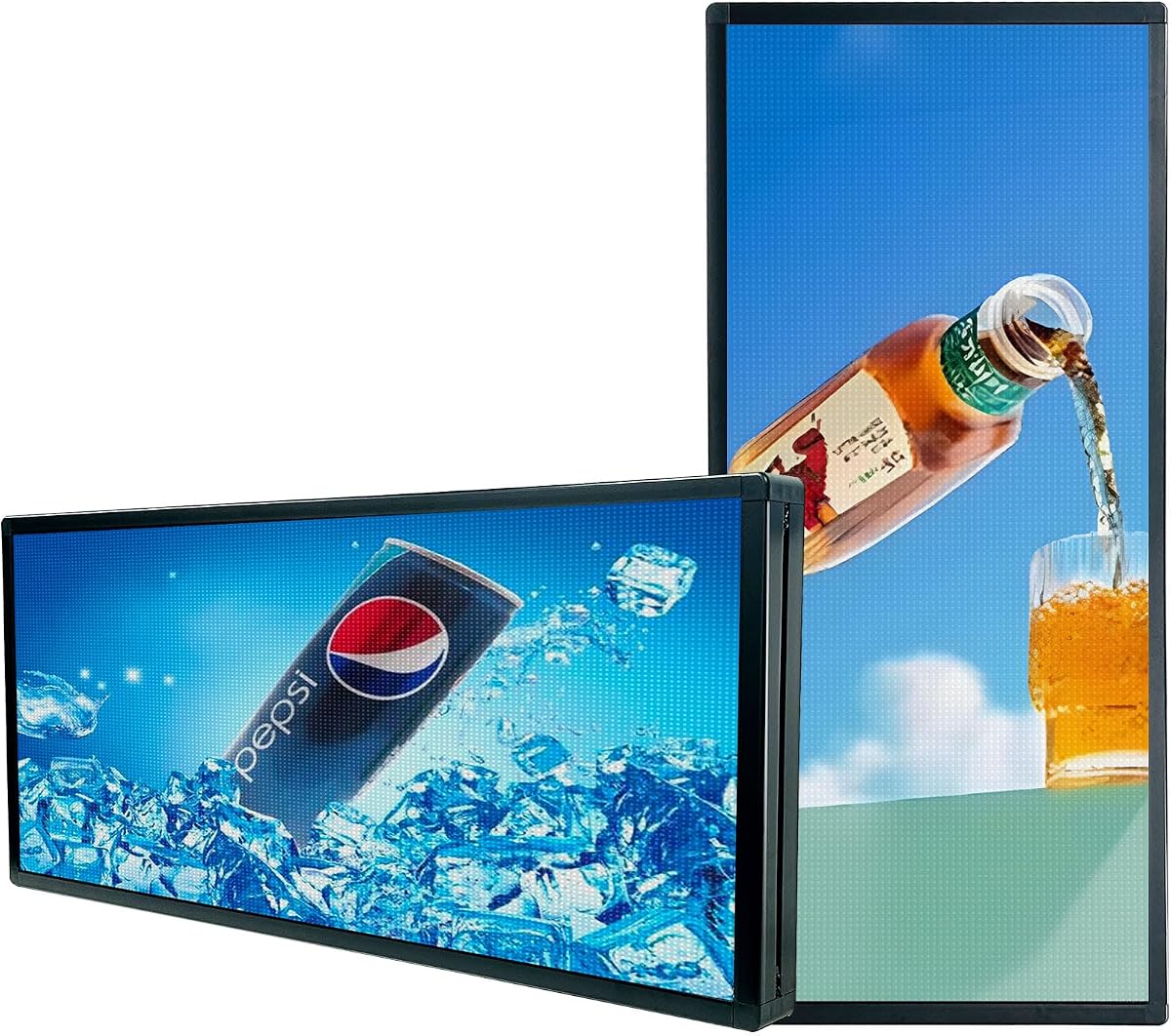


The KJOY 77-Inch Flexible LED Sign combines an unusually long scrolling format with app-based customization, earning a 4.4 rating and a place as the strongest all-around option in this guide. Its 77-by-8-inch size can create a conspicuous horizontal message band above a storefront, service counter, school area, hotel entrance, or event space.
We may earn a commission when you buy through this link, at no additional cost to you.
The panel uses upgraded 24V high-brightness LED beads to create clear patterns and scrolling text, while the flexible construction allows the light to bend around corners or conform to a suitable surface. Content can include text, images, animations, borders, custom logos, and multiple looped tasks. Playback methods include scrolling, flashing, stacking, and several directional movements.
The adhesive mounting system is a practical distinction. It combines 3M tape with an IP65-rated surface, making the panel portable without relying on suction cups and suitable for exposed indoor or sheltered outdoor installations. A password setting also reduces the chance that someone will alter scheduled content without permission.
This is a strong recommendation for a business that wants a long, attention-grabbing text display with minimal hardware. It is less suitable when a buyer needs close-up photographic detail, a freestanding structure, or a completely seamless rear projection because this category of pixel panel prioritizes readable messages and scrolling effects.
Because the panel is thin, light, and bendable, it can run along a wall, fit around a display counter, or follow a storefront edge. The adhesive mounting approach also makes repositioning more practical than it would be with a rigid display.
The Bluetooth app supports custom fonts, colors, playback speed, borders, images, logos, and multiple looped tasks. This makes the sign useful for changing daily offers, announcements, welcome messages, or event information without replacing the physical display.
We may earn a commission when you buy through this link, at no additional cost to you.
This 45-inch diagonal WiFi scrolling sign delivers colorful programmable messages in a 40-by-14-inch format and carries a 4.2 rating. It is aimed at shops, restaurants, exhibitions, retail businesses, and personal displays where changing text is more important than presenting detailed photography.
We may earn a commission when you buy through this link, at no additional cost to you.
Its software supports Windows computers as well as Android and iPhone mobile devices. Content can include scrolling text, several background effects, adjustable brightness, and adjustable movement speed. The supported languages include English, Spanish, French, Portuguese, Arabic, Russian, and Chinese, which makes the sign more adaptable to diverse audiences.
The panel is described as IP45 resistant to rain, sunshine, and heat, while its 85-to-240-volt power supply supports 110-volt use in the United States. It also supports USB transfer, and the listed FCC and UL status applies to the power supply. The IP45 rating, however, does not mean the sign is completely waterproof.
Buyers seeking a straightforward scrolling message board for a shopfront or event space will find this model practical. It is a less natural choice for close-up video or image work because the P10 configuration prioritizes readable text and graphic effects over fine photographic detail.
Seven supported languages allow one display to serve customers with varied language preferences. Administrators can prepare different promotional, directional, or informational messages for specific audiences.
Adjustable brightness and scrolling speed allow the display to fit changing ambient conditions. The setting can be tuned for indoor visibility, evening storefronts, or daylight-facing business areas.
We may earn a commission when you buy through this link, at no additional cost to you.
The MWE 43-Inch Floor Standing Digital Signage Kiosk received a 4.6 rating, making it the highest-rated complete display in this group. It is a full advertising totem with a vertical FHD IPS screen, Android operating system, built-in media player, and a design intended for lobbies, stores, malls, restaurants, airports, and hospitals.
We may earn a commission when you buy through this link, at no additional cost to you.
The display can show images, videos, and animations in independently sized and positioned zones. That makes it suitable for menus, promotions, wayfinding, schedules, brand stories, and public announcements. Wi-Fi and network connectivity support remote management, while USB, HDMI, and external media-player options provide additional ways to publish and play content.
Its slim bezel and open-cell construction create a modern appearance and help control heat and energy use. The 178-degree viewing angle helps preserve visibility from multiple directions, which matters in busy commercial interiors. A built-in player and plug-and-play operation also reduce the need for separate equipment in straightforward installations.
This kiosk is best for a business that wants a professional, self-contained indoor information or advertising station. Buyers should plan for continuous power, an appropriate network connection, and sufficient floor space. It is less compelling for temporary events or outdoor use because the product information positions it primarily as an indoor unit.
The slim 43-inch portrait format resembles a modern digital poster while using significantly more screen area than a compact countertop unit. It is well suited to vertical advertisements, menus, directories, and wayfinding graphics.
Built-in Wi-Fi, network connectivity, automatic playback, timers, and USB support provide several publishing paths. A connected media player or PC can also be used through HDMI when more advanced content workflows are needed.
We may earn a commission when you buy through this link, at no additional cost to you.
The Rayhome 77-Inch Flexible LED Sign carries a 4.3 rating and offers an expansive 77-by-8-inch surface for scrolling messages, patterns, and animations. Its elongated form makes it a practical fit above a bar, service counter, school function area, hotel lobby, or retail storefront where one continuous horizontal message is useful.
We may earn a commission when you buy through this link, at no additional cost to you.
Bluetooth app control allows administrators to customize text, colors, fonts, patterns, logos, and movement speed. Multiple tasks can be arranged for looping playback, and the controller supports functions such as timing, brightness adjustment, display length, and content selection. A separate controller and password setting add everyday operating controls.
The panel is described as low heat, low power consumption, and safe to touch. It is intended primarily for indoor installations, which is an important distinction from weatherproof exterior models. The flexible body and relatively low weight may make it easier to position than a rigid cabinet, but it still needs a clean, secure mounting surface.
This display is recommended for buyers who value message width, fast customization, and a simple remote workflow. It is not the strongest option for close-up graphics or exposed outdoor installations, and it offers fewer connectivity paths than displays with built-in Wi-Fi, cloud management, or multi-screen monitoring.
Content changes can be prepared through the Bluetooth-connected app, while the controller handles frequent adjustments such as brightness and display settings. This combination reduces the need to approach the panel for routine changes.
A timer can limit when the sign operates, and the password feature helps prevent accidental or unauthorized changes. These controls suit businesses with regular operating hours and frequently visited public areas.
We may earn a commission when you buy through this link, at no additional cost to you.
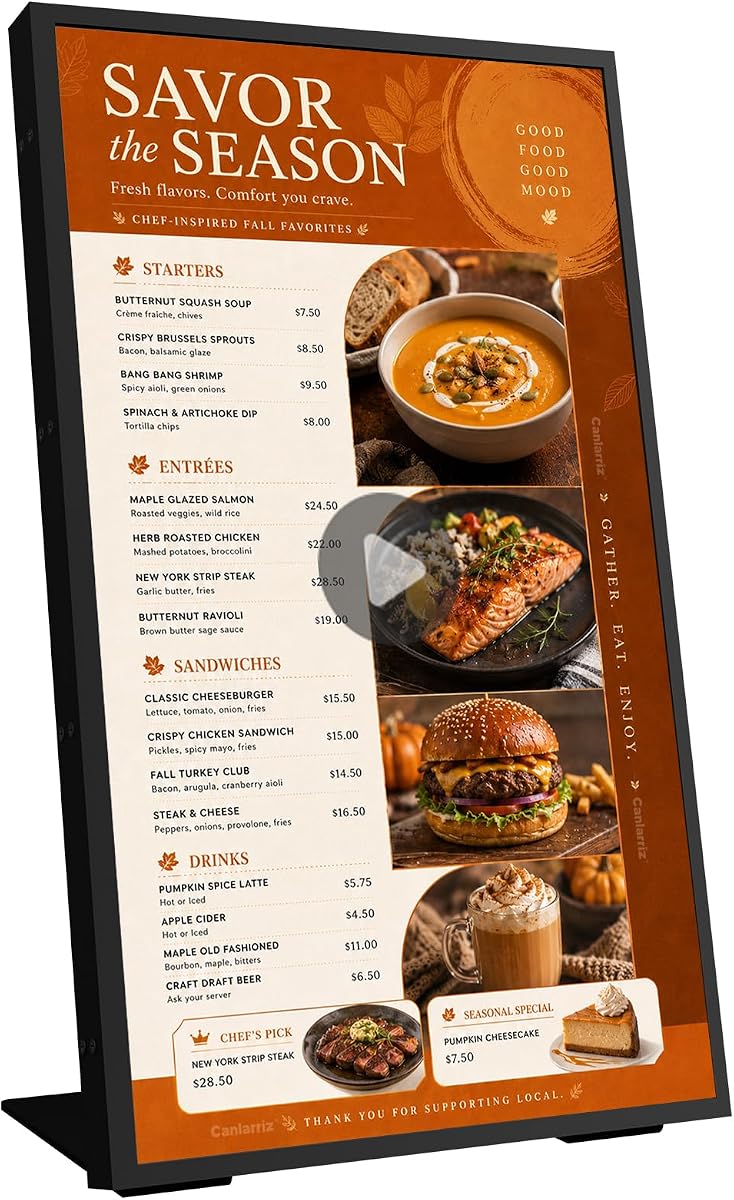
The 18.5-Inch Digital Signage Display is a compact commercial menu board with a 3.8 rating. It targets cafés, restaurants, bakeries, salons, clinics, retail counters, waiting rooms, trade shows, and reception areas where countertop space is limited but continuous customer communication is valuable.
We may earn a commission when you buy through this link, at no additional cost to you.
Its 700-nit brightness is designed for 24-hour commercial use, and the included desktop stand can be configured in landscape or portrait orientation. The 720P HD screen runs on Android 12 with 2GB of RAM and 32GB of storage, while HDMI, LAN, TF card, and USB connections cover different publishing and networking needs.
The built-in lifetime free CMS is the most important feature for many organizations. Administrators can upload content, create playlists, schedule playback, manage multiple displays, divide the screen, and update promotions from a PC, tablet, or smartphone. USB plug-and-play support also enables fast local changes when cloud management is unnecessary.
This is a sensible option for a single countertop or reception display that needs scheduled menus and promotional content. Its lower rating and 720P resolution make it less attractive where fine text detail, high-end color accuracy, or premium 4K presentation is the main requirement. Screen placement and viewing distance should inform the decision.
The lifetime CMS can organize content, playlists, schedules, and multiple displays from common web-connected devices. This is helpful for businesses that operate more than one location or need to change offers without visiting each screen.
The included stand supports both portrait and landscape presentation. A restaurant can show a tall menu or product stack, while a retailer can use the wider format for promotions, schedules, or customer information.
We may earn a commission when you buy through this link, at no additional cost to you.
The P6 Outdoor Programmable Sign has a 4.4 rating and provides a 40-by-17-inch full-color panel for scrolling business messages, stock-ticker-style information, and animated promotions. Its six-millimeter pixel density is intended for viewing from 19 to 160 feet, which makes it suitable for roadside or storefront advertising.
We may earn a commission when you buy through this link, at no additional cost to you.
Full-color text, images, animation video, adjustable brightness, and adjustable speed give operators considerable creative control. The built-in Wi-Fi module supports management from a phone or Windows laptop within the stated nine-meter range, and the sign can store up to 100 programs. Power-off data retention helps prevent programmed content from being lost.
The IP65 construction and intelligent indoor and outdoor brightness switching are central advantages. RGB LED chips, waterproof technology, and weather tolerance make the unit better suited to exposed commercial locations than an ordinary indoor LCD. The aluminum-style structural approach is also more appropriate for continuous signage duty.
This model makes sense for roadside businesses seeking long-distance readability rather than close-up photographic quality. The product information explicitly notes that video and pictures are not clear up close and recommends a P3 model for higher-definition indoor viewing. Buyers should therefore consider both audience distance and the types of content they intend to display.
The P6 pixel configuration prioritizes legibility when viewed from passing traffic or farther along a commercial street. Large text and strong color transitions are more appropriate than highly detailed photography.
The sign can hold numerous programs, and its power-off data retention helps preserve the chosen content. Weather resistance and brightness switching support operation across different outdoor conditions.
We may earn a commission when you buy through this link, at no additional cost to you.
The VEVOR 32"x24" LED Message Writing Board has a 4.2 rating and offers the most approachable way to add an illuminated sign to a small business. It combines a writable tempered-glass surface with colored lighting, allowing staff to create menus, announcements, daily specials, or decorative messages by hand.
We may earn a commission when you buy through this link, at no additional cost to you.
Sixteen LED colors, four flash modes, and five brightness levels provide considerable visual variety. Eight fluorescent chalk markers are included, and the infrared remote changes the lighting without requiring the user to stand at the board. This makes the board especially useful for businesses that need frequent but informal message changes.
Power can come from an AC 110-to-220-volt plug or USB connection, while a power bank or battery box adds portability for outdoor use. The product is certified for FCC and power-supply compliance. Its tempered glass is described as more than five times harder than ordinary glass, with improved resistance to impact, bending, and high temperatures.
This is the best budget pick for cafés, food trucks, market stalls, salons, classrooms, and event hosts that want visibility without a complex app or computer-based publishing system. It does not display photos or videos, so buyers should consider it a hybrid writing and lighting board rather than a full digital signage display.
Staff can wipe the surface and write a new menu or announcement in moments. This is ideal for frequently changing information that would be inconvenient to upload through a digital content system.
The support for a power bank or battery box extends the board beyond a fixed indoor location. Combined with the illuminated surface, it can attract attention at markets, events, and outdoor food-service locations.
We may earn a commission when you buy through this link, at no additional cost to you.
The HS 39-Inch Outdoor Sign carries a 4.4 rating and emphasizes visibility in demanding commercial environments. Its P10 configuration, up to 5000-nit outdoor RGB beads, and claimed readability from 70 feet make it a strong candidate for a storefront, bar, restaurant, hotel, church, food truck, or roadside advertising location.
We may earn a commission when you buy through this link, at no additional cost to you.
The sign can display four lines of text with adjustable fonts, sizes, colors, borders, backgrounds, brightness, and movement speed. Multiple programs can be saved, and messages of up to 1000 characters are supported when scrolling. Playback includes upward, downward, leftward, rightward, and flashing movements.
A standalone Wi-Fi network starts with RHX, after which an Apple or Android phone or a compatible Windows computer can edit and transmit content. The sign also accepts programming through a USB drive. A timer can automate operation, and fourteen international languages are supported, including English, Spanish, and Arabic.
Its waterproof construction is designed to handle rain and snow, while the lightweight aluminum alloy frame supports hanging or wall mounting. The panel is a better fit for readable text and animation than close-up photography. Buyers should plan power, mounting hardware, and the stated Wi-Fi connection carefully before installation.
The high-brightness outdoor LEDs are designed to remain visible at a substantial distance and under direct sunlight. Automatic brightness needs should be considered alongside the manual controls when planning daily operation.
Four-line layouts, 1000-character scrolling messages, saved programs, and fourteen languages cover many business communication needs. A USB workflow offers an alternative when wireless editing is inconvenient.
We may earn a commission when you buy through this link, at no additional cost to you.
The P5 Outdoor Full-Color LED Sign received a 5.0 rating and is the premium choice for a business ready to build a substantial outdoor advertising presence. Its 65-by-34-inch screen and dense five-millimeter pixel pitch offer a larger, more detailed canvas than the other outdoor LED models in this guide.
We may earn a commission when you buy through this link, at no additional cost to you.
The display supports scrolling text, static images, full-color videos, animations, and multi-zone layouts. These capabilities make it suitable for storefront promotions, menus, announcements, event advertising, roadside messaging, and mixed-content displays. Scheduling and multilingual support add further flexibility for recurring or location-specific campaigns.
Its reinforced aluminum housing, waterproof coating, and IP65 design are engineered for outdoor commercial use. The sealed cabinet provides dust resistance and is intended to maintain stable performance through rain, wind, heat, and cold. Content can be updated wirelessly through Wi-Fi or offline through USB.
This is the most capable premium outdoor display in the group, but its physical size creates real installation requirements. A buyer needs a secure mounting structure, suitable electrical provision, and enough space around the display. It is best for high-traffic commercial sites and professional installers rather than temporary or lightweight applications.
The five-millimeter pitch produces sharper edges and smoother transitions than coarser configurations, while the large panel creates significant visual impact. It can present text, pictures, and motion in a single outdoor display.
The reinforced aluminum enclosure and IP65 construction are intended for exposed commercial installations. This makes the sign a stronger option for year-round exterior use than an indoor LCD or non-rated flexible panel.
We may earn a commission when you buy through this link, at no additional cost to you.
The Amazon Signage Stick is a compact 4K media player designed to turn compatible television or commercial screens into digital signage endpoints. It earns a 4.2 rating and is especially relevant to businesses that already own suitable displays but want a straightforward, centrally managed way to publish content.
We may earn a commission when you buy through this link, at no additional cost to you.
The device launches a compatible CMS in kiosk mode automatically, creating a dedicated signage experience rather than leaving the sign looking like a general-purpose computer. The free Amazon Signage app supports setup and profile creation, while compatible content management providers can handle the actual campaigns and schedules.
Wi-Fi 6E, a quad-core processor, and 4K output support modern business content. Secure boot, encrypted storage, and regular updates add protection for an unattended device. Profiles can be organized by location, and the product supports monitoring and management through a phone when the selected CMS provides those functions.
This is the most flexible choice for organizations that want to standardize signage across many existing screens. It does not include the display itself, and a CMS subscription may be required depending on the chosen service. Buyers must also confirm that their television or monitor supports the intended connection and that the chosen CMS supports the device.
Profiles can be organized by location, and one compact player design can be deployed across many compatible screens. This simplifies training and maintenance compared with managing unrelated playback devices.
Automatic CMS launch in kiosk mode keeps the display focused on programmed content. Secure boot, encrypted storage, and automatic CMS updates help maintain a stable unattended endpoint.
We may earn a commission when you buy through this link, at no additional cost to you.
The most suitable digital sign board depends on location, content, viewing distance, operating schedule, and the amount of control required. These factors narrow the field before shoppers compare screen size, pixel density, brightness, connectivity, and weather resistance.
Start with the content and update speed. Choose an LED panel for long messages, an LCD for polished visual media, a writing board for frequent manual changes, and a player when existing displays need a consistent content platform.
Measure the intended viewing area before selecting a size. Choose a larger panel for distance and traffic, a smaller display for counters, and sufficient pixel detail for the closest audience.
Compare brightness with the real environment, not just the headline specification. Prefer adjustable output when the sign operates indoors and outdoors or remains visible after dark.
Check the rating against the actual exposure. Use indoor-rated models in protected interiors and weather-rated models for exposed storefronts, roadside positions, and other outdoor installations.
Choose Bluetooth for simple nearby editing, USB for dependable offline programming, and Wi-Fi or cloud management for frequent remote changes. Confirm any subscription requirements before committing.
Confirm device compatibility, included mounting parts, power requirements, and installation responsibility before ordering. A compatible workflow is more valuable than advanced features the buyer cannot operate.
Prioritize stable playback, heat control, scheduled operation, and secure mounting for continuous business use. Check support coverage and documentation as part of the long-term ownership plan.
Before installation, read the included manual and confirm that the power supply, control device, operating system, and mounting location are compatible. Clean the mounting surface thoroughly, keep electrical connections dry, and provide the ventilation or clearance required by the manufacturer. For adhesive flexible panels, install only on a surface that will hold the panel securely and can be cleaned without damaging the finish.
Create a simple content plan before publishing. Decide which information is most important, keep text large and readable, use high-contrast colors, and avoid loading more animation than the display can comfortably present. Build several short playlist items rather than one overly long message, then use scheduling to show opening hours, promotions, menus, or event information at the appropriate times.
For routine care, power down the unit before cleaning the screen and use a soft, lint-free cloth with a screen-safe solution. Keep the vents, seams, connectors, and cooling areas free of dust. Inspect outdoor seals and brackets regularly, especially after severe weather. Update software and firmware when instructed, back up important content, and keep the password or device credentials secure.
An LED sign uses individual colored pixels to create scrolling text, animations, and graphics, making it well suited to bright outdoor visibility and long-distance viewing. An LCD digital signage display presents continuous images, detailed video, menus, and branded layouts with a conventional screen surface. The right choice depends on the content, location, viewing distance, and need for remote content management.
They are designed for different degrees of exposure, so check the stated IP rating carefully. An IP45 model is rated for limited protection against rain and heat, while an IP65 model has stronger water and dust protection. Even an IP65 display should be securely mounted, properly sealed, and connected to safe electrical equipment, because rating claims do not eliminate every installation risk.
Many products can be updated through a compatible phone app, while others provide a handheld controller, remote, or USB workflow. Bluetooth models generally require the phone to be near the sign, whereas Wi-Fi and cloud-based systems allow remote management from a browser or mobile device. Check the supported device list before planning updates exclusively from a phone.
A small business that changes handwritten daily specials may prefer an illuminated writing board because updates take only moments. A single-location operator seeking scheduled promotions may find a compact LCD menu board more versatile, while a business already owning suitable screens can use a media player. The easiest product is usually the one whose content format matches how often and by whom the display needs updating.
The number indicates the approximate pixel pitch, with a smaller number generally producing finer detail. A P5 configuration is the most detailed option in this group, P6 offers a middle ground for outdoor commercial viewing, and P10 is more economical for readable text viewed at a distance. Close-up photography generally requires a denser configuration than a large scrolling message.
Not always. USB transfer and built-in playback can operate many signs without a network, while Bluetooth is useful for nearby app-based editing. Wi-Fi becomes more valuable when content must be changed frequently, scheduled automatically, or managed across several displays. Cloud CMS solutions can also support centralized administration, although a chosen service may require a subscription.
Some systems can manage multiple displays, while others are designed for a single screen. The 18.5-inch menu board's CMS supports multiple-display management, and the Amazon Signage Stick can organize profiles by location, but the exact number and capabilities depend on the selected CMS. Confirm multi-screen support and any account or service requirements before installation.
A large panel should be attached to a structure capable of safely supporting its weight and resisting movement. The manufacturer may specify particular brackets, fasteners, spacing, and electrical connections, and professional installation can be advisable for large outdoor displays. Flexible adhesive panels also require a clean, stable surface, while floor-standing kiosks need a level base and continuous power.
The KJOY 77-Inch Flexible LED Sign stands out as the most versatile all-around choice because it combines a long scrolling panel, Bluetooth customization, weather protection, and flexible mounting. The MWE 43-Inch Floor Kiosk is ideal for polished indoor advertising and information, while the P5 65-Inch Outdoor Sign offers the strongest premium outdoor presence.
The right choice ultimately depends on the work the sign must perform. Choose a flexible or pixel LED panel for readable moving messages, an LCD for detailed visual media, a writing board for quick manual changes, or a media player when upgrading existing screens. Brightness, pixel density, content controls, weather protection, and installation requirements should be evaluated together.
Before making a final decision, verify the current specifications, software compatibility, included accessories, and support terms on the product page. Features and availability can change, so checking the latest listing details helps ensure that the selected digital sign board remains suitable for the intended location and workflow.